
Monday, September 23, 2024

Friday, February 9, 2024
Monday, November 27, 2023
Monday, September 25, 2023
Monday, February 13, 2023
Monday, September 26, 2022
Monday, November 29, 2021
Mad Libs: A Super Silly Way to Fill in the _____________!
Raise your hand if your childhood memories include completing a couple of pages out of your newest Mad Libs book?! This popular game debuted in 1958 as interactive short stories, where those reading the short stories were prompted to fill in the blank for words that had been omitted. The missing words or phrases would be assigned a specific category or part of speech, such as noun, verb, place, exclamation, and so on. Upon completion, the story would be read aloud. Usually, the story would end up being quite funny and somewhat nonsensical. Countless hours of entertainment were sure to be had.
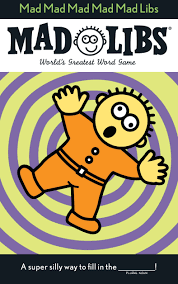
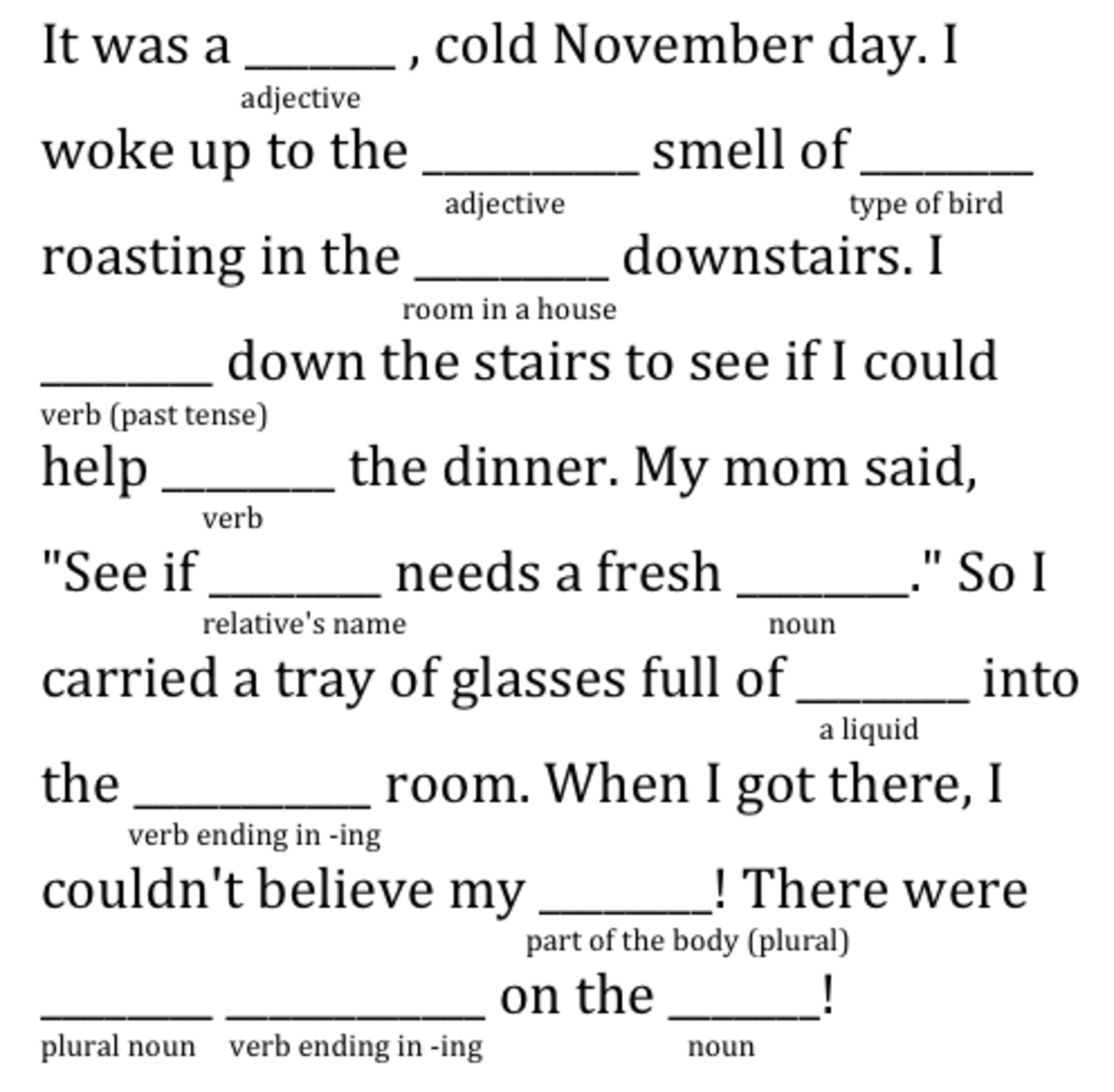
Mrs. Pickett at Beck Elementary introduced her fourth-grade GATES students to this familiar favorite. It didn’t take long for them to catch on and they looked forward to completing new ones during their class visits. Of course, Mrs. Pickett knew these Mad Libs would be entertaining, however, she also knew how they could help reinforce very important grammar skills and challenge their thinking. To successfully complete Mad Libs students needed a clear understanding and working knowledge of the different parts of speech, or their finished story would not make sense.
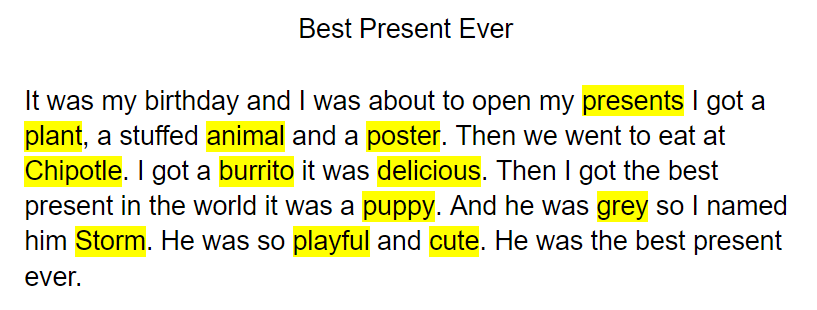
The real challenge came when students were asked to compose their own Mad Libs. They begin with writing short stories about a topic of their choosing. They made sure their story had a clear beginning, middle, and end. When students struggled with coming up with a topic, they were encouraged to write about their favorite candy or something they ate for breakfast that morning. When writing Mad Libs, literally, anything goes!
Once students completed their short story draft, it was time to reread and decide which variables to remove. The variables would be the missing words in their Mad Libs. Because their stories were drafted in Google Docs, students highlighted the variables and identified the part of speech. Careful thought went into selecting which words would be the best variables. Students had to think through scenarios that would result in the most effective, and often humorous, outcome. After all, the fun part of Mad Libs is reading the finished story.
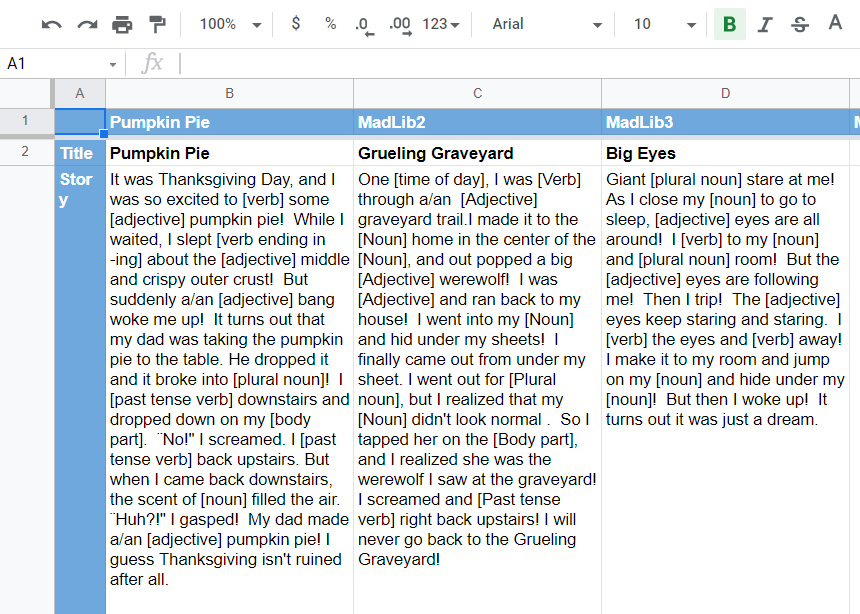
Using Flippity.net, students were then able to digitally publish their short stories in a Mad Libs template. Through using this templated Google Sheet, students became more versed in working in Sheets. They became familiar with the terminology used in spreadsheets, such as rows, columns, and formatting. Once the template was finalized, students published their Google Sheet to the web for sharing purposes. Since most 2nd - 5th-grade students are consistently spiraling back through grammar skills, it was a goal for completed Mad Libs to be shared with the campus.
Knowing these completed Mad Libs would be shared campus-wide was motivating for students. They were careful to spend quality time revising and editing their work because their audience was authentic and they wanted to share with pride. Revisions were made again and again as careful thought was given to the various possibilities of responses the Mad Libs may receive. They wanted to make sure the variables were descriptive and specific enough to produce an end product that would
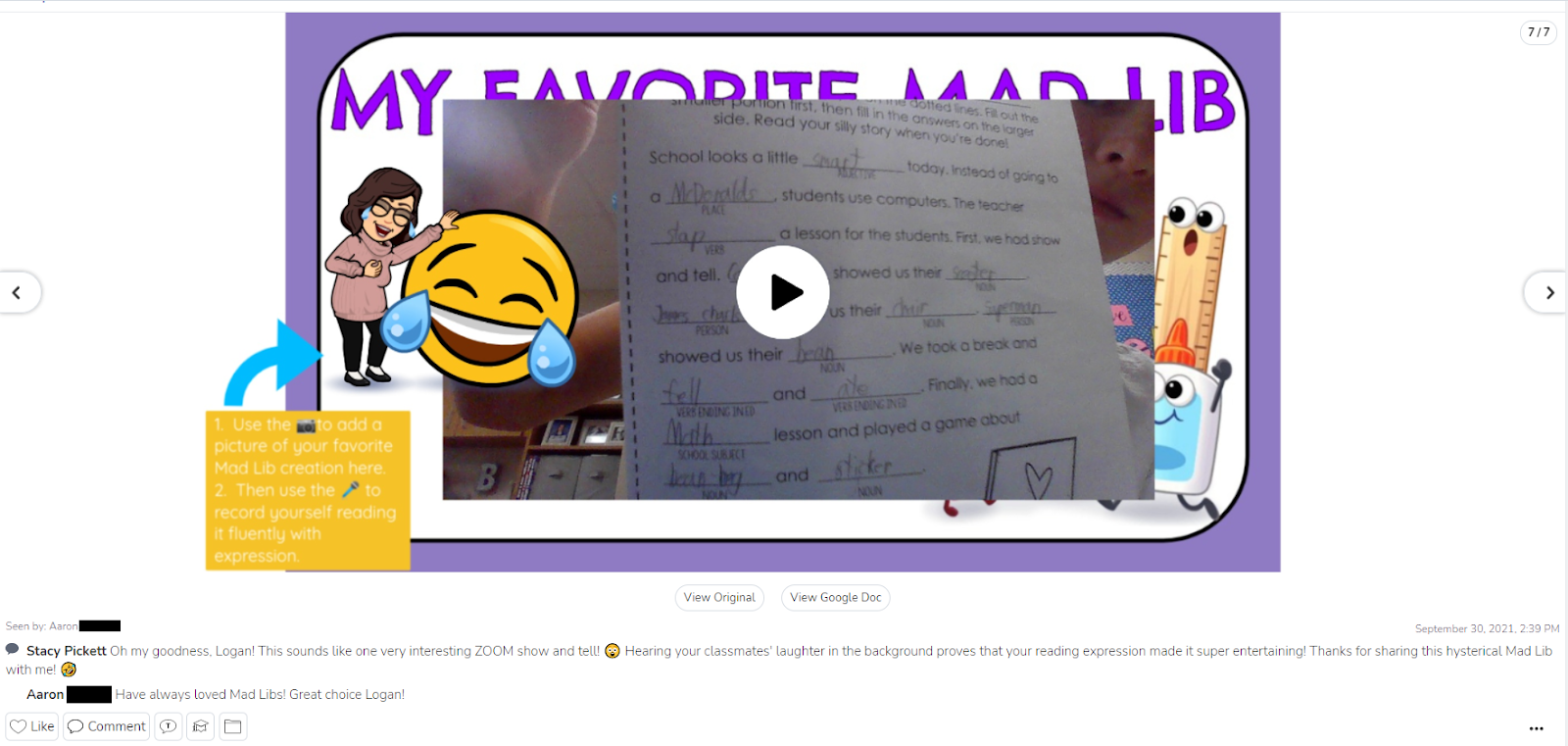
To say these students were engaged in this work would be an understatement. Mrs. Picket said it was incredible to see her students collaborating with one another as they thought critically about the decisions they made to produce their Mad Libs. Students were bonding and building relationships through the process too. The laughter was an added bonus. Countless giggles were shared as students read aloud completed Mad Libs and shared their work with families via Seesaw. This provided them with extra practice with fluency and reading with expression.


Monday, March 29, 2021
What's Your Number?: A Mysterious Zoom Experience
With a full year under our belts of learning in a Covid world, we have seen so much growth in our classrooms across the district regarding the integration of technology in new, and exciting ways. We’re seeing technology being leveraged to move learning forward. It’s being used to connect us with learners outside the four walls of our classrooms. It’s presenting opportunities that may not have been considered prior to the pivot we made last Spring. The challenges of this pandemic have been great…but the outcomes of those challenges are worth talking about and celebrating.


“The Mystery zoom was so fun! The kiddos love asking questions and trying to solve the mystery number. They also enjoyed keeping their number a mystery and answering the questions. Mrs. Janese and her students really enjoyed this experience. She said, “It was great to see both classes cheering each other when they solved the mystery numbers. It was wonderful connecting to another class especially now, and we would love to do this again!” Coleman and Braxton, two students in her class agreed, saying, “We loved this and want to do it again.”

 During this experience, students were assigned in groups to breakout rooms, where they took turns sharing their screen to reveal clues about their Mystery Number. Students used Pear Deck and Seesaw to share their clues, while the other students used critical thinking and their knowledge of numbers to guess the mystery number. Mrs. Mogg, Mrs. Thomas, and building principals Mrs. Bunch & Mrs. Oster were able to pop between breakout rooms to interact with all students. “I was thrilled to do this Mystery Number Zoom with another remote class”, Mrs. Mogg explains. “It was such a cool opportunity for my students to take ownership of their learning by creating their very own clues to identify a number! They loved getting to share them and connect with students from different campuses.”
If you are interested in partnering with another teacher in our district to create an opportunity like this, reach out to your campus Instructional Technologist for support.
Monday, December 16, 2019
Breakout: It's a Celebration!

Throughout the fall semester, students have had the opportunity to participate in several digital breakout experiences. Similar to an escape room, a variety of puzzles and scenarios lead students through an engaging interaction with content. Along the way codes are revealed that, in the end, unlock the “locks”. Digital breakouts can be used across content areas and grade levels. When asked about learning through breakouts, Gage was excited to share. “I like the technology experience. It's a new way to look at math and it makes it more fun. It’s definitely more interesting because it makes math a part of our real world."


- Promote collaboration and communication within the classroom
- Enhance problem solving and critical thinking skills
- Reinforce grade appropriate Technology Application TEKS and Digital Citizenship curriculum
- Motivate and spark new learning opportunities
- Empower students to own and apply their learning
Mrs. Butler also gives a compelling testimony for the integration of Digital Breakouts in the classroom. “There is a special energy that fills the room when students are completing a breakout session. Students are engaged and eager to advance through the activities. Students enjoy taking on a challenge and competing to be the first group done. Best of all, students receive immediate feedback on their content knowledge which is huge for a learner's success.”

This project will be submitted as an interactive presentation and considered by the campus committee to represent Medlin at Expo 2020. For more information about Northwest ISD Expo event, please visit expo.nisdtx.org.