Learn.
Act.
Reflect.
Goal Set.
Repeat.
Is nailing down this process a Science or an Art? I'd argue it’s an Art - Fine Arts to be exact. Students in Gary Keller and Sessalie Shapley’s Orchestra class at Byron Nelson High School have perfected this process on a continual, weekly basis to improve students' overall abilities. One might think that Technology doesn’t doesn't have a logical place in an instrumental-based class, but that's far from the truth as this Orchestra class is fully dependent on the technology used in preparation for and reflection of daily performance.
 Each class is infused with technology from start to end. For example, students are tasked with the responsibility of tuning their own instrument at the start of class each day; they use readily available, free, phone-based tuning apps such as DaTuner and InsTurner to put the accountability on themselves rather than the teacher to ensure the instrument is in the right key. This process is critical to harmonizing as an Orchestra and developing a natural ear for the correct sounding notes.
To continue in the lesson design, classes often provide traditional opportunities such as learning new music and practicing as a full Orchestra. However, the power of technology is truly evident in the individual practice times. During these times, students participate in the general format as follows:
Recipe for Success:
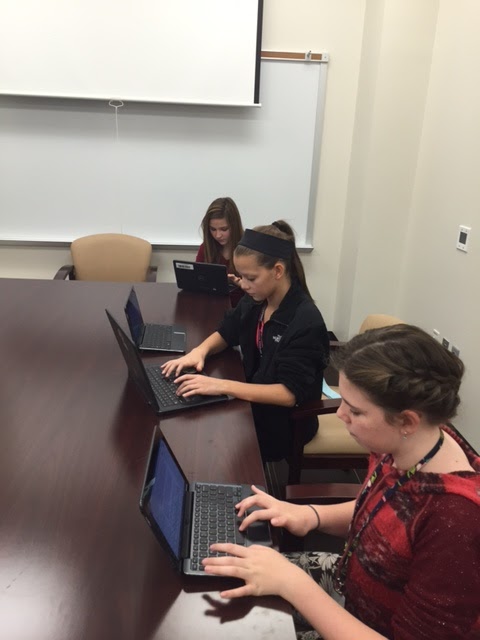
 Students create a video of themselves playing a specific song or section of a song determined by the instructor. During this time, students use a combination of their phone and their computer to have both the online metronome and video camera co-functioning. This video serves as a pre-assessment to create a base-line of performance and needs assessment for the week.
Self-critique that video to identify one specific goal to work towards throughout the week. This then becomes the targeted focus for all practice times throughout the week. Topics of suggested focus include intonation, bow placement, vibrato, dexterity confidence, or other of choice.
 The student then creates an end of week video over the same content and again uses that as direct evidence to self-assess progress towards goals.
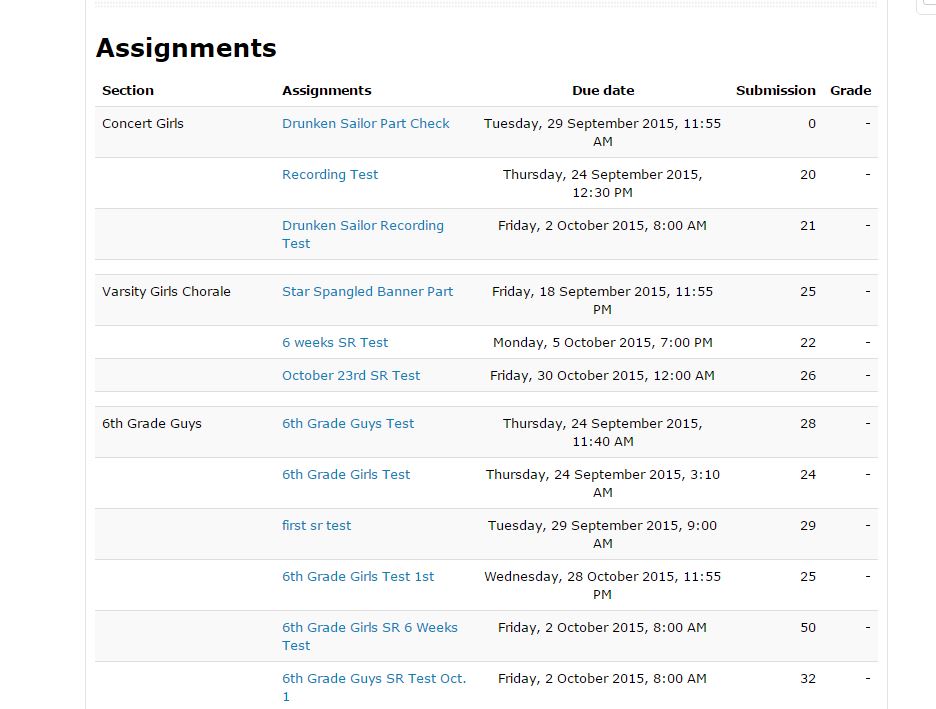
Upload and reflect upon these artifacts in Google Classroom. The Orchestra instructors then review each student's performance to provide individualized attention and feedback focused specifically on the students' performance and self-set goal.
Based on their self-assessment and teacher feedback, the student then goal-sets via a Google Doc for the following week to continually focus on targeted instruction and self-improvement.

Each of these weekly goal sheets provide evidence for the student to reflect up on their progress towards goals and make new objectives based on previous performance. Since the evidence gets uploaded to Google Classroom, students have a personal Google Folder within their own Google Drive which serves as a private portfolio that stores their yearly progress. Students then have the ability to select which pivotal pieces they would like to showcase within their published ePortfolio.
Assistant Orchestra Director, Sessalie Shapley, comments on the power of infusing technology into their classroom
, "Google Classroom video
recordings allow me to give feedback to every student based on what I see and
hear in their recordings. It is a far more efficient use of time letting the
recording and grading happen outside of class instead of one at a time, in class,
while all of the other students are waiting;" furthermore, "The
video recording assignment allows and even encourages students to record themselves
multiple times in order to get their “best” recording" which is the ultimate goal: student-driven success fueled by continual practice in perfecting their art. Best of all, the power of technology has helped Mr. Keller and Ms. Shapley build connections beyond what would be traditionally capable with a large Orchestra on a time-restricted class period as Sessalie continues, "The goal sheets and comments
have given me several opportunities to discover something about the student’s
expectations and other musical talents, gifts and thoughts, which then allowed
for deeper discussion about their playing and their musicianship."
As a natural final step, students reflect on their year in an open-ended format. The power of reflection, goal-setting, and improvement shine through in the following student final responses:
Student 1:
“I thought that the goals were a great way to stay conscious of our playing abilities - to constantly be reminded of our strengths and weaknesses so that we can improve on them over time. I also believe that the exercises we were given are great practice strategies for improving many aspects of musicianship like dexterity and intonation. I think I have certainly seen evidence of our goals in action as the progressed. Some of the goals on the goal sheets did not always pertain to me, but still having to look at them on a regular basis caused me to think more upon how I can always channel my actions in class and practice towards furthering the goals and the overall quality of our orchestra.”
Student 2:
“This year I have heard and felt so much progress in my playing. This was the first year I took private lessons, and I think that was extremely beneficial by itself. But beyond that I have felt so much more confidence in my playing. This was the first year I made it through a solo contest without crying, and the first year I came out of an audition room feeling proud of myself. And confidence alone has made a world of difference in my playing. I have also noticed a lot of progress related to our goals and goal videos. I didn’t realize it in the beginning, but when we came back near the end of the year and redid the dexterity video, it was actually really cool to find how much easier it was for me to do and how much clearer I sounded than in the beginning of the year. It was also useful to see the goals and realize that it’s okay to experiment with the bow and with the left hand, and just that everyone is doing what they can to make beautiful music in the outcome. I have seen so much progress this year in my playing and how I feel about it and I hope to see even more in years to come.”
The presence of technology has empowered these students to find value in the daily struggle of learning, trying, and occasionally failing all while appreciating their own growth that would otherwise not be as apparent strictly as perceptions and memories.
Empowered Learner: Students leverage technology to take an active role in choosing, achieving and demonstrating competency in their learning goals, informed by the learning sciences.
- 1a: Students articulate and set personal learning goals, develop strategies leveraging technology to achieve them and reflect on the learning process itself to improve learning outcomes.
- 1c: Students use technology to seek feedback that informs and improves their practice and to demonstrate their learning in a variety of ways.
This also exemplified the following TEA Music Level 1 TEKS in which the student is expected to develop processes for self-evaluation and select tools for personal artistic improvement (6c).